What is Agile Workflow & How to Implement it in 2026
Discover the benefits of agile workflow—a flexible, collaborative, and continuous approach to project management!
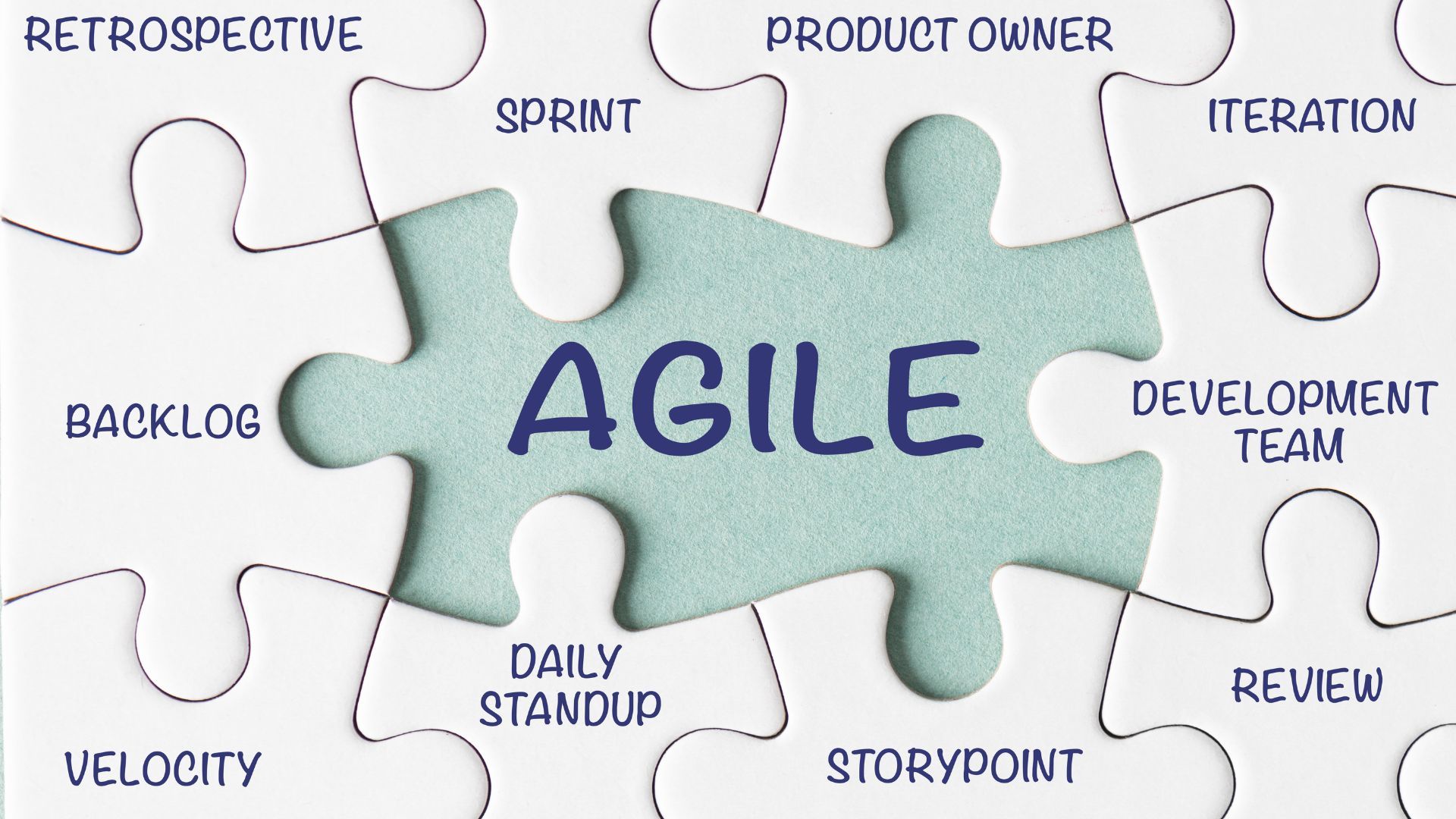
An agile workflow is a system for moving work from idea to completion using iterative cycles, continuous feedback, and adaptive planning. The term covers multiple frameworks -- Scrum, Kanban, XP, and hybrids -- each optimized for different team dynamics and work types. This guide covers the practical mechanics of implementing agile workflows, including board structures, WIP limits, automation triggers, and adaptations for non-software teams.
Agile Workflow Types
Scrum Workflow
Scrum organizes work into fixed-length sprints (typically 2 weeks) with defined ceremonies: sprint planning, daily standup, sprint review, and retrospective. Work flows through a cycle: backlog grooming selects items for the sprint, the team commits to a sprint goal, execution happens during the sprint, and the review validates completed work.
The Scrum board reflects sprint state: To Do (committed sprint items), In Progress, In Review, and Done. Items move left to right. Nothing enters the sprint after planning unless something of equal size is removed. This boundary protection gives teams the stability needed to deliver reliably.
Scrum works best when the team has a dedicated product owner, work can be decomposed into stories completable within a sprint, and the team is stable (not shared across projects). Teams handling significant interrupt-driven work (production support, customer escalations) often struggle with sprint commitments.
Kanban Workflow
Kanban uses a continuous flow model instead of time-boxed sprints. Work items enter the board when capacity opens up and exit when completed. Columns represent workflow stages, and each column has a WIP (Work In Progress) limit capping how many items can occupy that stage simultaneously.
A typical Kanban board for a development team: Backlog (unlimited) > Ready (3) > Development (4) > Code Review (2) > Testing (3) > Done. When a column hits its limit, no new items can enter until an existing item moves forward. This creates a pull system where downstream demand drives upstream work.
Kanban suits teams handling a mix of planned work and unplanned requests -- support teams, DevOps, marketing operations, and service delivery. The absence of sprint commitments means priorities can shift without disrupting a planning cycle.
Extreme Programming (XP) Workflow
XP layers engineering practices onto an iterative workflow: pair programming, test-driven development, continuous integration, and frequent releases. The workflow is sprint-based but with shorter iterations (typically 1 week) and heavier emphasis on technical excellence.
XP incorporates practices other frameworks treat as optional: every story gets automated tests before implementation (TDD), code reviews happen continuously through pair programming rather than as a separate stage, and integration happens multiple times per day.
Scrumban: The Hybrid
Scrumban combines Scrum's cadenced planning with Kanban's continuous flow and WIP limits. Teams use sprint planning for prioritization but allow work to flow continuously rather than committing to a fixed sprint scope. WIP limits apply within sprints. This hybrid works well for teams transitioning from Scrum who find sprint commitments too rigid.
Setting Up WIP Limits
WIP limits are the single most impactful workflow improvement most teams can make. Without them, teams start many items and finish few, leading to context switching, longer cycle times, and unpredictable delivery.
Start with this formula: WIP limit = team members working on that stage + 1 buffer item. A team of 4 developers gets a "Development" WIP limit of 5.
Adjust WIP limits based on data after 2-4 weeks. If the column is consistently at its limit with upstream items waiting, the limit might be too low or the stage needs more capacity. If items flow through without ever reaching the limit, reduce it to expose hidden waste.
The discomfort of WIP limits is the point. When a developer finishes their work but cannot pull a new item because the review column is full, they must help with reviews. This cross-functional collaboration is exactly what WIP limits are designed to encourage.
A common objection is "but my work is different -- I cannot help with reviews." The response: either the workflow stages are wrong (maybe "Development" should be split into stages that better reflect the work) or the team needs cross-training to reduce specialization bottlenecks.
Swimlanes and Work Classification
Swimlanes are horizontal divisions on a board that separate work by type, priority, or team:
- Expedite lane: A dedicated lane for urgent items that bypass normal WIP limits. Restrict to genuinely urgent work. If more than 10% of items use the expedite lane, the definition of "urgent" needs tightening.
- Work type lanes: Separate lanes for features, bugs, and technical debt ensure each category gets attention. Without explicit separation, tech debt consistently loses out to feature work.
- Team lanes: For larger teams with sub-teams, swimlanes provide visibility into each group's workload and flow.
- Class of service lanes: Categorize work by SLA. Standard items have 2-week cycle time targets, fixed-date items have specific deadlines, intangible items fill gaps when capacity is available.
Automation Triggers in Agile Workflows
Modern workflow tools support automations that reduce manual overhead and enforce process discipline:
- Auto-assign reviewers when cards move to Code Review based on expertise tags or round-robin rotation
- Trigger Slack notifications when high-priority items enter the board or exceed cycle time targets
- Automatically move cards when linked pull requests are merged or CI/CD pipelines complete
- Create sub-tasks from templates when specific card types are created
- Flag items approaching WIP limits with color changes or alerts
- Generate weekly flow metrics reports and post them to team channels
- Auto-close stale items that have not been updated in 30+ days with a notification to the owner
- Sync status between the project board and linked GitHub/GitLab issues
Agile Workflows for Non-Software Teams
Marketing Teams
Marketing work maps naturally to Kanban because it combines planned campaigns with reactive requests. Board columns: Requests > Prioritized > In Creation > Internal Review > Stakeholder Approval > Published. WIP limits on creation prevent starting 12 content pieces while finishing none.
Replace "sprints" with "campaign cycles" and "user stories" with "content briefs" to reduce framework resistance. The mechanics are identical; the vocabulary matches the domain.
HR and Recruiting
Recruiting pipelines are natural Kanban systems: Sourced > Screening > Phone Interview > On-site > Offer > Hired. WIP limits on screening ensure recruiters evaluate candidates promptly. Cycle time tracking reveals where the process loses top talent to competitors.
Legal and Compliance
Legal review requests often queue for weeks. A Kanban board with WIP limits makes the queue visible and forces prioritization. Columns: Requested > Triaged > Under Review > Awaiting Input > Complete. Adding class-of-service swimlanes separates time-sensitive contract reviews from standard policy reviews.
Sales Operations
Sales teams rarely think of their work as "agile," but deal pipelines follow Kanban principles. Qualified > Discovery > Proposal > Negotiation > Closed. WIP limits on the proposal stage prevent the common pattern of creating proposals for deals that are not ready, wasting pre-sales resources. Track cycle time per deal stage to identify where deals stall.
Tool Setup Guides
Jira
Create a Kanban or Scrum board from a project. Set column constraints (WIP limits) under Board Settings > Columns. Map issue statuses to board columns. Configure swimlanes under Board Settings > Swimlanes -- filter by JQL for maximum flexibility. Enable the control chart under Reports to track cycle time trends.
Trello
Lighter weight but less configurable. Use list names for columns and labels for work types. Butler automation handles card movements and notifications. For WIP limits, add the limit to the list title and enforce manually or use a Power-Up.
Linear
Built for agile software teams with native cycle support (sprints), automated issue tracking, and GitHub/GitLab integration. Workflows are configured per team. The Triage feature routes incoming issues automatically. Built-in analytics track cycle time and velocity without additional setup.
Monday.com
Highly visual with strong automation capabilities. Set up Kanban views with status columns, configure automations for status changes, and use the workload view to monitor team capacity. Better suited for teams that need flexibility in workflow structure and visual customization.
Flow Metrics That Drive Improvement
- Cycle time: Time from work starting to completing. Track the 50th and 85th percentile. The 85th percentile is your realistic delivery promise.
- Throughput: Items completed per week. Stable or increasing throughput indicates a healthy workflow.
- WIP age: How long each in-progress item has been active. Items exceeding the 85th percentile cycle time need attention.
- Flow efficiency: Active work time divided by total cycle time. Most teams discover 15-25% efficiency, meaning 75-85% of "in progress" time is idle.
- Blocked time: Time items spend in a blocked state. High blocked time indicates external dependencies or missing information that the team cannot resolve independently.
Review these metrics in bi-weekly flow reviews. Focus on systemic patterns rather than individual items. If cycle time is increasing, investigate the root cause rather than pressuring the team to work harder.
Common Implementation Mistakes
- Ignoring WIP limits because "everything is urgent." If everything is urgent, nothing is. Enforce limits and force prioritization.
- Tracking activity instead of outcomes. A board showing 40 items "in progress" with 2 completions per week is not busyness -- it is dysfunction.
- Skipping retrospectives. The workflow will not improve itself. Dedicate time to examining what works and what does not.
- Copying another team's workflow. Every team has different dynamics. Start basic and evolve based on your own data.
- Treating the tool as the workflow. Jira, Trello, and Linear are visualization tools. The workflow is the agreements your team makes about how work flows.
- Agile theater. Holding standups and having a board without actually limiting WIP, measuring flow, or adapting the process provides the appearance of agility without the benefits.
Scaling Agile Workflows
Single-team agile is relatively straightforward. Scaling across multiple teams introduces coordination challenges that require additional structure:
- SAFe (Scaled Agile Framework): The most comprehensive (and most criticized) scaling framework. Organizes teams into Agile Release Trains (ARTs) that plan together in Program Increment (PI) planning sessions. Heavy process overhead but provides structure for large enterprises. Best suited for organizations with 50+ developers working on related products.
- LeSS (Large-Scale Scrum): Extends Scrum principles to multiple teams working on a single product. Emphasizes simplicity over process. All teams share a single product backlog and a single product owner. Requires strong product ownership but avoids the organizational complexity of SAFe.
- Spotify Model: Not a framework but an organizational structure based on squads (cross-functional teams), tribes (groups of related squads), chapters (skill-based communities), and guilds (interest-based communities). Widely copied but often misapplied without the cultural prerequisites.
Before adopting a scaling framework, ask whether scaling is actually necessary. Can the product be decomposed into independent products owned by independent teams? Independent teams with clear boundaries outperform coordinated teams nearly every time.
Agile Metrics Beyond Velocity
Velocity (story points per sprint) is the most commonly tracked agile metric and one of the most commonly misused. Velocity is a capacity planning tool, not a performance measure. Using it to compare teams or set targets incentivizes point inflation rather than actual improvement.
More useful metrics:
- Lead time: Time from when a request enters the backlog to when it is delivered to users. This is the metric customers care about -- how long from "I need this" to "I have this."
- Sprint goal success rate: What percentage of sprints achieve their stated sprint goal? This measures planning accuracy and commitment reliability.
- Escaped defects: Defects found after release. This is a quality metric that indicates whether the team's definition of "done" is rigorous enough.
- Deployment frequency: How often the team releases to production. High deployment frequency correlates with high team performance in DORA research.
- Team happiness: A subjective 1-5 scale captured weekly. Declining happiness predicts performance problems before they show up in productivity metrics.
Transitioning From Waterfall to Agile
Most organizations do not start with agile -- they transition to it from existing processes. Common transition challenges and how to address them:
- Stakeholders expect fixed scope and dates. Start by fixing dates with flexible scope (time-boxed releases). Demonstrate value delivery. Over time, stakeholders become comfortable with scope flexibility.
- No product owner role exists. Identify the person currently making prioritization decisions (even informally) and formalize the product owner role. Do not create the role from scratch -- find where it already exists.
- Teams are siloed by function. Move gradually toward cross-functional teams. Start by embedding one tester with a development team rather than reorganizing entirely.
- Managers feel threatened by self-organizing teams. Redefine management as servant leadership: removing obstacles, coaching, and creating conditions for team success rather than directing daily work.
- Existing contracts assume waterfall delivery. Negotiate new contract structures with vendors: time-and-materials with caps, iterative delivery milestones, or agile-specific contract templates.
Definition of Done
The Definition of Done (DoD) is the quality standard that every work item must meet before moving to the "Done" column. Without an explicit DoD, "done" means different things to different people, and incomplete work gets counted as complete.
A robust DoD for a software team typically includes:
- Code reviewed and approved by at least one other developer
- Unit tests written and passing with minimum coverage threshold
- Integration tests passing
- No known critical or high-severity bugs
- Documentation updated (API docs, user guides, runbooks)
- Deployed to staging environment and verified
- Product owner has accepted the implementation
The DoD should be visible on or near the board. Review it during retrospectives and raise the bar as the team matures. A DoD that never evolves indicates a team that has stopped improving.
Handling Unplanned Work
Every team deals with work that was not on the plan: production incidents, urgent customer requests, discovered technical debt. The agile workflow must accommodate this reality rather than pretending it does not exist.
- Reserve a capacity buffer. If the team has 40 hours of capacity per sprint, plan for 32 hours of backlog items. The remaining 8 hours absorb unplanned work without blowing up the sprint commitment.
- Track unplanned work as a metric. If unplanned work consistently exceeds the buffer, the team needs to investigate root causes (unstable production environment? poor requirements? tech debt?) rather than just increasing the buffer.
- Use the expedite swimlane for genuinely urgent items and hold a high bar for what qualifies. Everything else goes to the backlog for normal prioritization.
About the Author

Noel Ceta is a workflow automation specialist and technical writer with extensive experience in streamlining business processes through intelligent automation solutions.
Don't Miss Our Latest Content
Subscribe to get automation tips and insights delivered to your inbox